AI Meeting Assistants: How to Choose Tools for Notes, Summaries, and Follow-Ups
This article contains affiliate links. If you buy through them, we may earn a commission at no extra cost to you.
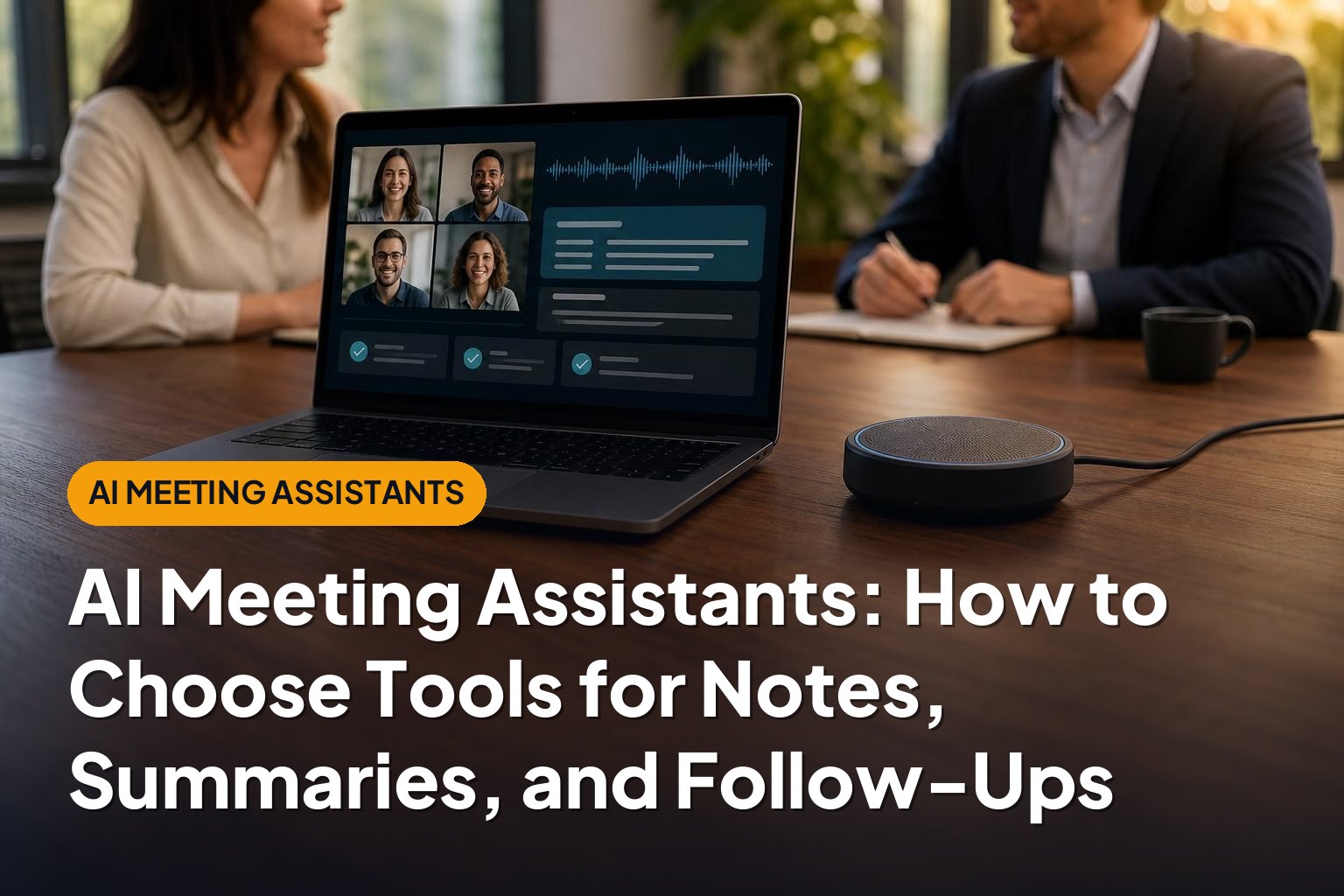
AI meeting assistants can turn conversations into searchable transcripts, concise summaries, and useful follow-ups. Instead of trying to listen, contribute, and take detailed notes at the same time, you can use these tools to create a first draft of the meeting record.
The challenge is choosing an assistant that fits your meetings, your workflow, and your privacy requirements. This guide explains how the tools work, which features matter, and how to evaluate them without getting distracted by impressive demos or long feature lists.
1. What Are AI Meeting Assistants?
AI meeting assistants are software tools that help capture, organize, and use information from meetings. Depending on the product, they may record audio or video, transcribe speech, identify speakers, generate summaries, and suggest action items.
Some assistants join calls as a visible meeting participant. Others work through a conferencing platform’s built-in features, a desktop application, or an uploaded recording. These approaches have different setup, compatibility, and privacy implications.
The main outputs explained
- Transcripts: A written record of what people said, sometimes with speaker labels and timestamps.
- Meeting notes: Organized highlights covering the discussion’s important points.
- Summaries: Shorter overviews of topics, decisions, questions, and next steps.
- Action items: Proposed tasks, ideally connected to an owner and deadline.
- Follow-ups: Draft emails, task updates, or other messages based on the meeting.
These outputs are related, but they are not interchangeable. A readable summary does not replace an accurate transcript when you need to check exactly what someone said. Likewise, a list of suggested tasks is not the same as an approved project plan.
Treat the assistant as a drafting and retrieval tool, not the final authority on what happened. People should still verify important decisions, commitments, and sensitive details.
2. Which Features Matter Most?
The best AI meeting assistants are not necessarily those with the most features. They are the ones that reliably produce the information your team needs, in a format people will actually use.
Transcription quality and speaker identification
Start with the source material. Background noise, overlapping speech, weak microphones, accents, and specialist vocabulary can all affect transcription quality. Incorrect speaker labels can also turn an otherwise readable transcript into a misleading record.
Look for editable transcripts, timestamps, and a practical way to check the original recording when one is available. If your meetings include technical terms or multiple languages, evaluate those conditions specifically rather than relying on a simple demonstration.
Useful, verifiable summaries
A strong summary separates discussion from decisions. It should distinguish “we considered changing the deadline” from “we agreed to change the deadline.” That difference matters more than polished wording.
Useful summary features include:
- Separate sections for decisions, open questions, and next steps.
- References back to supporting transcript passages or recording timestamps.
- Editable templates for different meeting types.
- The ability to correct or remove inaccurate statements.
- Clear handling of uncertainty rather than invented conclusions.
Search, sharing, and access controls
Search becomes more valuable as your meeting archive grows. Check whether you can search individual transcripts, search across meetings, and filter by project, participant, or date.
Sharing controls deserve equal attention. A convenient summary is not useful if it automatically reaches the wrong people. Evaluate who can view recordings, edit notes, download files, and share content outside your organization.
3. Understand the Main Tool Options and Meeting Platforms
There are two broad starting points: use capabilities already available in your conferencing environment, or choose a dedicated assistant. The right choice depends on whether you value simplicity within one platform or a consistent workflow across several.
| Approach | Potential advantage | What to check |
|---|---|---|
| Built-in meeting features | May reduce the need for another application or meeting bot. | Account eligibility, administrator settings, platform limits, and sharing controls. |
| Dedicated meeting assistant | May offer a centralized archive and workflows across supported platforms. | Compatibility, participant access, integration depth, and subscription limits. |
| Recording-upload workflow | Can process an existing recording without joining the live meeting. | Supported files, upload limits, processing time, and permission to upload. |
Where Otter.ai fits
Otter.ai is an established option to consider for meeting transcription, summaries, and team collaboration. When evaluating it, focus on transcript usability, speaker labeling, meeting capture, shared access, and how easily colleagues can find information later.
Check the current plan details for the capabilities you need. Availability, usage allowances, and administrative features can differ by subscription.
How to approach Fireflies.ai versus Fathom
Fireflies.ai and Fathom are also real options in this category. Rather than choosing between them on name recognition alone, compare the quality of their meeting notes, the integrations relevant to your work, and the limits attached to their plans.
A useful side-by-side evaluation uses the same meeting types and the same scoring criteria. Include sharing behavior and follow-up workflows, not just the summary shown immediately after a call.
Choosing an AI note taker for Zoom
If most of your meetings happen in Zoom, begin by checking what your existing Zoom account includes and what your administrator permits. Then compare dedicated assistants only where they solve an unmet need.
For any Zoom workflow, verify how capture starts, whether a bot must be admitted, what happens when you are not the host, and whether external participants can access the resulting notes. Compatibility alone does not guarantee a smooth experience.
4. Turn Notes into Reliable Follow-Ups and Action Items

A summary saves reading time. A dependable follow-up process helps work move forward. To connect the two, establish a simple review routine instead of automatically sending every AI-generated task into your project system.
Use a review-and-assign workflow
- Check the decisions: Confirm that the summary reflects what participants actually agreed.
- Review proposed actions: Remove suggestions, hypothetical ideas, and duplicates that were mistaken for commitments.
- Confirm ownership: Assign each task to a person who has accepted responsibility.
- Verify deadlines: Keep dates explicitly agreed in the meeting; flag missing or ambiguous dates for clarification.
- Publish the approved follow-up: Send the recap and place confirmed tasks in the system your team uses.
A useful action item describes an observable result. “Review onboarding” is vague. “Prepare a list of onboarding steps that need revision” gives the owner a clearer deliverable.
Do not let the assistant silently fill gaps. If nobody accepted a task or no deadline was agreed, the correct output is an unresolved field or a clarification request—not a guessed owner or date.
Keep one source of truth
Decide where approved tasks live. If meeting notes, chat messages, and project boards all contain separate versions of the same commitment, updates can become inconsistent.
Use the meeting record for context and your task system for ownership, deadlines, and progress. Where possible, preserve a reference to the supporting discussion so people can understand why the task exists.
5. Evaluate Integrations and Sales Workflows
Integrations determine whether meeting information becomes useful outside the assistant itself. Common destinations include calendars, email, team messaging tools, document systems, project management applications, and customer relationship management software.
Look beyond whether an integration appears on a feature list. Ask what information moves, in which direction, under whose permissions, and with what level of human review.
What sales teams should prioritize
For sales teams, AI meeting assistants can help organize customer discussions, draft follow-ups, and prepare CRM updates. Useful information may include customer goals, objections, stakeholder roles, agreed next steps, and unresolved questions.
CRM workflows need particular care. Before enabling automatic updates, check:
- Record matching: Does the information reach the correct account, contact, or opportunity?
- Field mapping: Can structured details be placed in appropriate fields rather than one long note?
- Review controls: Can a salesperson approve suggested changes before they are saved?
- Duplicate handling: What happens if the same meeting is processed again?
- Visibility: Could sensitive customer information become available to a broader group?
Keep customer statements separate from internal interpretations. A prospect asking about implementation timing does not necessarily mean they have committed to buying.
Start with a narrow integration
A sensible first step is to send approved summaries to a shared workspace or create draft tasks for review. Expand automation only after you understand the tool’s common errors and your team’s approval responsibilities.
6. Address Recording Consent, Privacy, and Security
Before enabling capture, establish whether you are allowed to record or transcribe the meeting. Consent requirements vary by jurisdiction and circumstances, and organizational rules or customer agreements may impose additional restrictions.
A visible bot or platform notification is not a universal substitute for legally valid consent. For meetings involving participants in different locations, seek appropriate legal guidance rather than assuming one location’s rules apply to everyone.
Create a clear participant process
- Tell participants what the assistant will capture and why.
- Explain who will receive the recording, transcript, or summary.
- Obtain any required consent before capture begins.
- Provide a practical way to object or request an alternative.
- Follow an agreed process for stopping capture or handling sensitive discussion.
Do not assume that avoiding an audio recording eliminates privacy concerns. Live transcription and generated notes can still involve collecting and processing personal or confidential information.
Check the full data lifecycle
Review what the provider stores, where data is processed, how long it is retained, and how deletion works. Check audio, video, transcripts, summaries, and data copied into connected systems separately.
Also examine whether meeting content may be used for model training, what contractual controls are available, and which subprocessors are involved. For organizational use, assess access management, audit capabilities, and relevant security documentation.
Set boundaries for especially sensitive meetings. Legal matters, personnel discussions, health information, and confidential negotiations may require stricter controls or no AI assistant at all.
7. Compare Costs and Run a Practical Pilot
Pricing is only one part of the cost. Review current plan information directly, because subscriptions, limits, and included features can change.
Compare the limits that affect your actual workload:
- Recording or transcription allowances and maximum meeting length.
- Storage, retention, and access to older meetings.
- Summary generation or other AI usage limits.
- Paid-seat requirements for hosts, editors, and viewers.
- Integration availability and administrative controls.
- Export options and the effort required to move to another tool.
Test representative meetings
Choose a small set of permitted meetings that reflects real conditions: a short check-in, a longer planning session, and a discussion with specialist terminology or multiple speakers. Use the same evaluation criteria for each candidate.
| Criterion | Question to answer |
|---|---|
| Capture reliability | Did it capture the intended meeting without unexpected access problems? |
| Accuracy | Were names, numbers, speaker labels, and decisions correct? |
| Summary usefulness | Could someone understand the outcome without reading everything? |
| Action-item quality | Were tasks supported by the discussion, with uncertainties left visible? |
| Workflow fit | Did approved information reach the right destination with little cleanup? |
| Governance | Could you control access, retention, sharing, and deletion? |
Include the time spent correcting notes, resolving access issues, and maintaining integrations. A tool that creates a polished summary quickly may still add work if every follow-up needs substantial repair.
Finally, gather feedback from meeting participants as well as the person managing the software. Ease of use, comfort with capture, and trust in the record all influence whether the assistant will be adopted.
8. Conclusion
The right AI meeting assistant should produce trustworthy drafts, fit your meeting platforms, and help turn verified decisions into clear next steps. Strong privacy controls and predictable sharing matter just as much as transcription and summary features.
Start with a focused pilot, review important outputs, and automate gradually. Choose the tool that reduces your team’s total effort—not simply the one that generates the most notes.