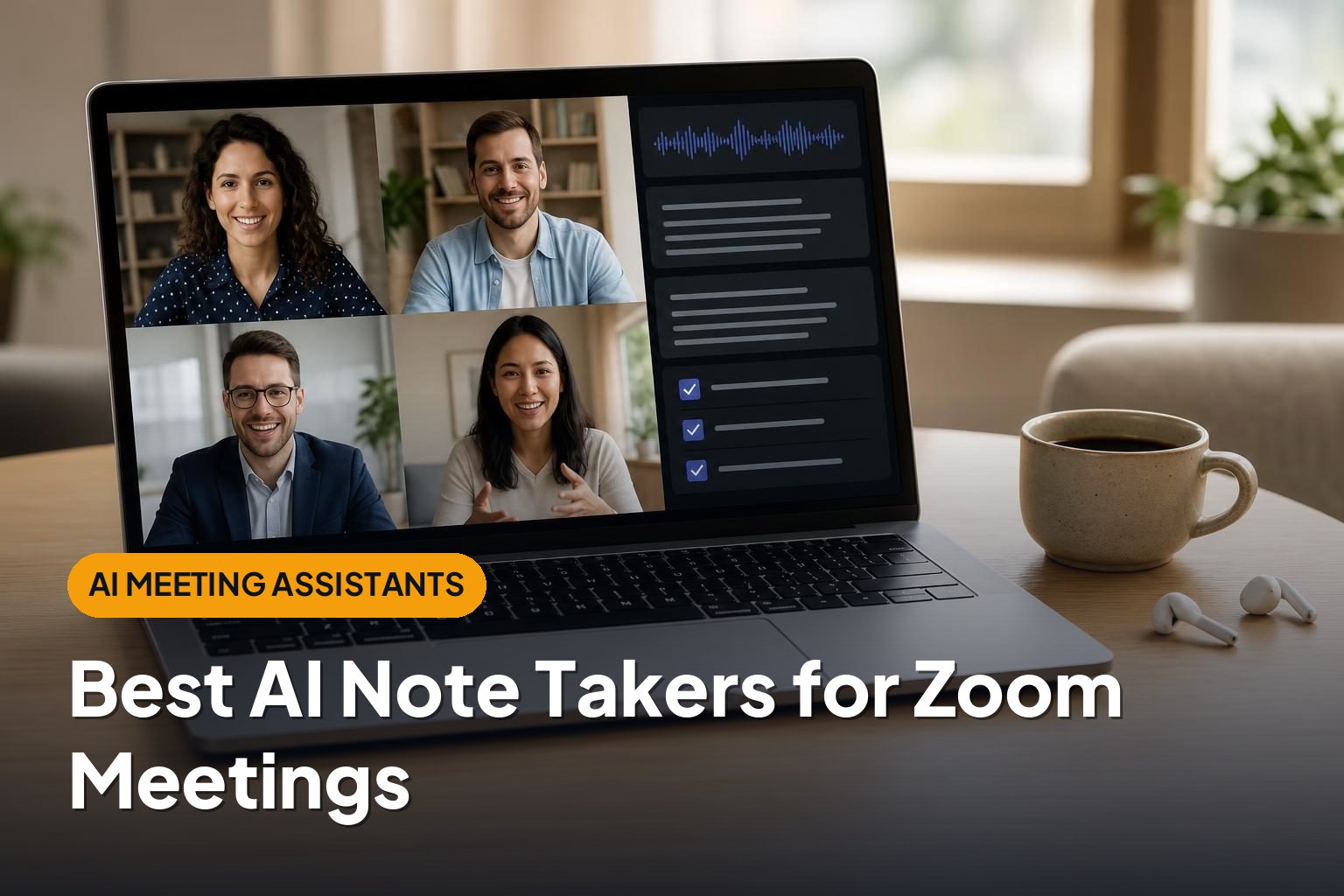
Best AI Note Takers for Zoom Meetings
This article contains affiliate links. If you buy through them, we may earn a commission at no extra cost to you.
The best AI note takers for Zoom can turn a long meeting into a useful summary, searchable conversation history, and clear next steps. The right choice depends on whether you want simple personal notes, shared team knowledge, or structured follow-up for customer calls.
This article is part of our guide: AI Meeting Assistants: How to Choose Tools for Notes, Summaries, and Follow-Ups
- Zoom AI Companion: Best for keeping meeting summaries inside Zoom.
- Otter.ai: Best for transcript-centered notes and ongoing collaboration.
- Fireflies.ai: Best for searchable meeting libraries and connected workflows.
- Fathom: Best for straightforward summaries and sharing key moments.
- tl;dv: Best for reviewing recordings and finding patterns across meetings.
- Avoma: Best for sales and customer-facing teams that need structured meeting intelligence.
These picks suit different workflows rather than representing a universal ranking. Features, usage limits, integrations, and subscription requirements can change, so check the details that matter to your team before committing.
Zoom AI Companion: Best for Native Zoom Meeting Summaries
Zoom AI Companion is the natural starting point if your organization already works in Zoom and wants fewer separate tools. Its meeting-summary features can help participants catch up on discussion points and next steps without introducing a separate third-party note-taking service.
Strengths
- Fits the existing meeting environment: Hosts and administrators can manage supported AI features within Zoom.
- Useful meeting recaps: Summaries help participants review the main discussion without watching an entire recording.
- Less workflow fragmentation: Teams can keep more of their meeting activity within the platform they already use.
Drawbacks
Access depends on your Zoom account, eligible services, administrator settings, and feature availability. A meeting summary is also not automatically the same thing as a saved recording or a complete transcript; check which artifacts your configuration produces.
Choose it if: Your main requirement is convenient Zoom meeting summaries, not a dedicated cross-platform meeting database or specialized sales-coaching system.
Otter.ai: Best for Transcript-Centered Meeting Notes
Otter.ai focuses on turning spoken conversations into searchable, collaborative notes. Its Zoom integration makes it a strong candidate for teams that want to revisit the actual discussion rather than rely only on a short recap.
Strengths
- Searchable transcripts: Find a topic or phrase without manually reviewing the whole meeting.
- Collaborative notes: Team members can work with shared meeting content, including comments and highlights.
- Summaries and action items: AI-generated recaps provide a faster entry point into longer conversations.
- Conversation-based assistance: Supported AI features let users ask questions about captured meeting content.
Drawbacks
Transcription allowances, import limits, and collaboration features vary by plan. Speaker identification and technical terminology still need review, especially when participants interrupt each other or use poor microphones.
Its meeting assistant may also need permission to join the call. That can be a practical obstacle when clients or administrators restrict external participants.
Choose it if: A readable, searchable transcript is central to how you work, and you want colleagues to collaborate around the conversation.
Fireflies.ai: Best for Searchable Meeting Libraries and Integrations
Fireflies.ai combines meeting capture, transcription, summaries, and conversation search. It is particularly relevant when meeting notes need to become a shared resource rather than remain in individual inboxes.
Strengths
- Centralized meeting history: Keep captured conversations in a searchable workspace.
- Connected workflows: Integrations can help move meeting information into tools such as CRM and collaboration platforms.
- Topic discovery: Search and analysis features can help teams locate recurring subjects across conversations.
- Useful beyond Zoom: Support for other meeting environments can help organizations with a mixed software stack.
Drawbacks
A large meeting library needs careful access controls and retention policies. Otherwise, sensitive customer or internal conversations can become accessible to more people than intended.
Integration depth and advanced analysis depend on the subscription and connected application. Confirm exactly what gets transferred, whether automation requires setup, and which users can access the resulting records.
Choose it if: You want meeting information to feed a broader team knowledge base and existing business workflows.
Fathom: Best for Straightforward Summaries and Key Moments
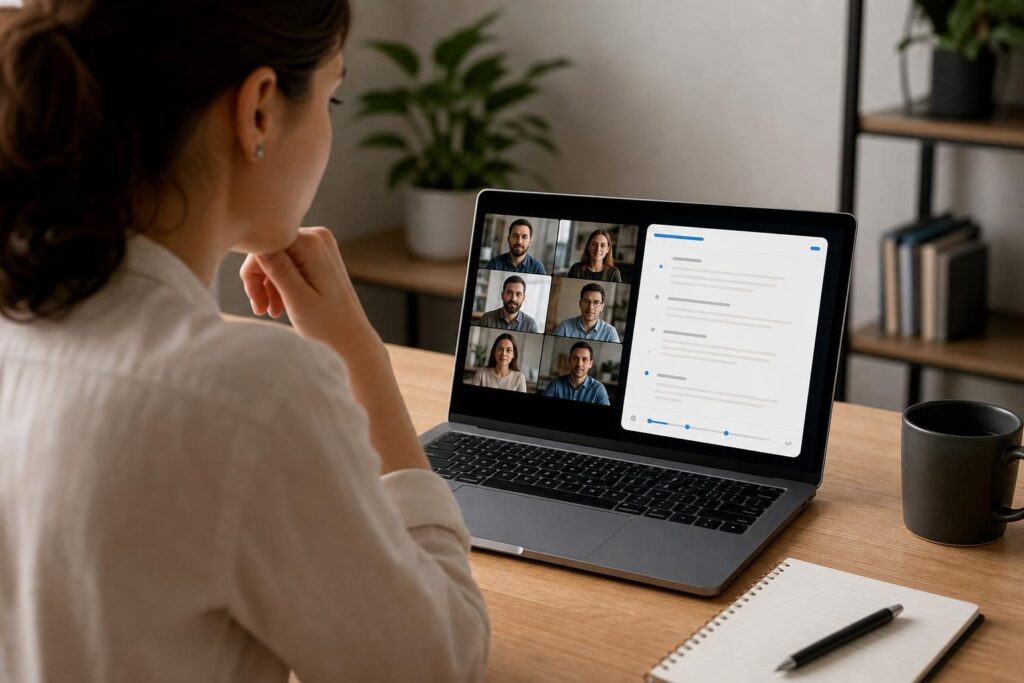
Fathom is a meeting assistant built around recording, transcribing, and summarizing calls. For Zoom users who mainly want a useful recap and a quick way to revisit important moments, it offers a focused alternative to more complex meeting-intelligence platforms.
Strengths
- Fast review: Summaries make it easier to identify decisions and follow-up work.
- Highlights and clips: Share relevant sections instead of asking someone to watch an entire meeting.
- Practical follow-up: Meeting outputs can support recap messages and internal handoffs.
- Individual and team options: Its offerings cover personal note-taking as well as shared organizational workflows.
Drawbacks
Individual access does not necessarily include every team administration, integration, or advanced AI capability. Check those differences if you expect to roll it out across a department.
As with other recording-based assistants, meeting permissions and participant acceptance matter. A polished summary also does not eliminate the need to verify names, commitments, and deadlines.
Choose it if: Your priority is reducing manual note-taking and making important meeting moments easy to review or share.
tl;dv: Best for Recording Review and Cross-Meeting Insights
tl;dv supports recording, transcription, and AI-assisted review for meetings, including Zoom calls. It is worth considering when teams want to learn from several conversations rather than treat each meeting as an isolated document.
Strengths
- Timestamped review: Move from notes to relevant moments in a recording.
- Shareable excerpts: Give colleagues the context they need without forwarding a full-length call.
- Multi-meeting analysis: Supported features can help identify recurring themes across captured conversations.
- Useful for feedback-heavy work: Product, research, and customer-facing teams can revisit the original discussion behind a summarized insight.
Drawbacks
Advanced reporting, integrations, and analysis may require a higher subscription tier. If you only need a short summary after an occasional call, those capabilities may add complexity without much benefit.
Cross-meeting insights also depend on having relevant, well-organized source material. An AI-generated pattern should be checked against the underlying conversations before it informs an important decision.
Choose it if: Your team regularly revisits customer feedback, shares call excerpts, or compares themes across multiple meetings.
Avoma: Best for Sales and Customer-Facing Teams
Avoma combines AI meeting assistance with conversation-intelligence and revenue-oriented capabilities. It is a stronger fit for teams that want meeting notes to support customer management, coaching, and repeatable follow-up processes.
Strengths
- Structured meeting workflows: Organize notes and follow-up around recurring business conversations.
- CRM connectivity: Supported integrations help connect meeting information with customer records.
- Conversation intelligence: Managers can use supported analysis features to review calls and identify coaching opportunities.
- Broader customer context: Meeting history can help colleagues understand previous discussions before the next call.
Drawbacks
Avoma may be more platform than an individual needs for basic Zoom notes. Teams should distinguish between meeting-assistant features and more advanced intelligence capabilities when comparing subscriptions.
Getting value from structured workflows also requires setup and consistent use. CRM mapping, shared note formats, and permissions deserve attention before a broad rollout.
Choose it if: Meeting notes are part of a sales or customer-success process, and you need more than transcription and a recap.
Buying Guide: What to Look for in an AI Note Taker for Zoom
Check How It Captures Meetings
Some assistants join as a visible meeting participant; native features operate within Zoom itself. Check host permissions, waiting-room behavior, administrator restrictions, and whether the assistant works when someone else hosts the meeting.
Match the Output to Your Workflow
A concise recap, full transcript, recording, and CRM update solve different problems. Decide which outputs you actually need before comparing feature lists.
- For personal productivity: Prioritize clear summaries and action items.
- For research and documentation: Look for searchable transcripts and traceable timestamps.
- For team handoffs: Check sharing controls, clips, and integrations.
- For sales management: Consider structured notes, CRM synchronization, and coaching tools.
Review Privacy, Consent, and Retention
Check how the service stores recordings and transcripts, who can access them, how deletion works, and whether customer content is used for model training. Follow applicable recording-consent requirements and your organization’s policies; a visible assistant or notification is not a substitute for checking those obligations.
Compare Limits, Not Just Headline Features
Review transcription minutes, meeting-length limits, storage, supported languages, export options, and paid-seat requirements. During any trial, use representative meetings and verify speaker labels, technical vocabulary, decisions, and action-item owners.
Conclusion
The best AI note takers for Zoom are the ones that fit how you use meeting information. Start with Zoom AI Companion for native convenience, Otter.ai for transcript collaboration, or Fathom for straightforward recaps. Consider Fireflies.ai, tl;dv, or Avoma when shared knowledge, cross-meeting analysis, or customer workflows matter more. Whichever you choose, keep human review in place for important decisions and commitments.