Best AI Tools for Turning Long Videos Into Short Clips
This article contains affiliate links. If you buy through them, we may earn a commission at no extra cost to you.
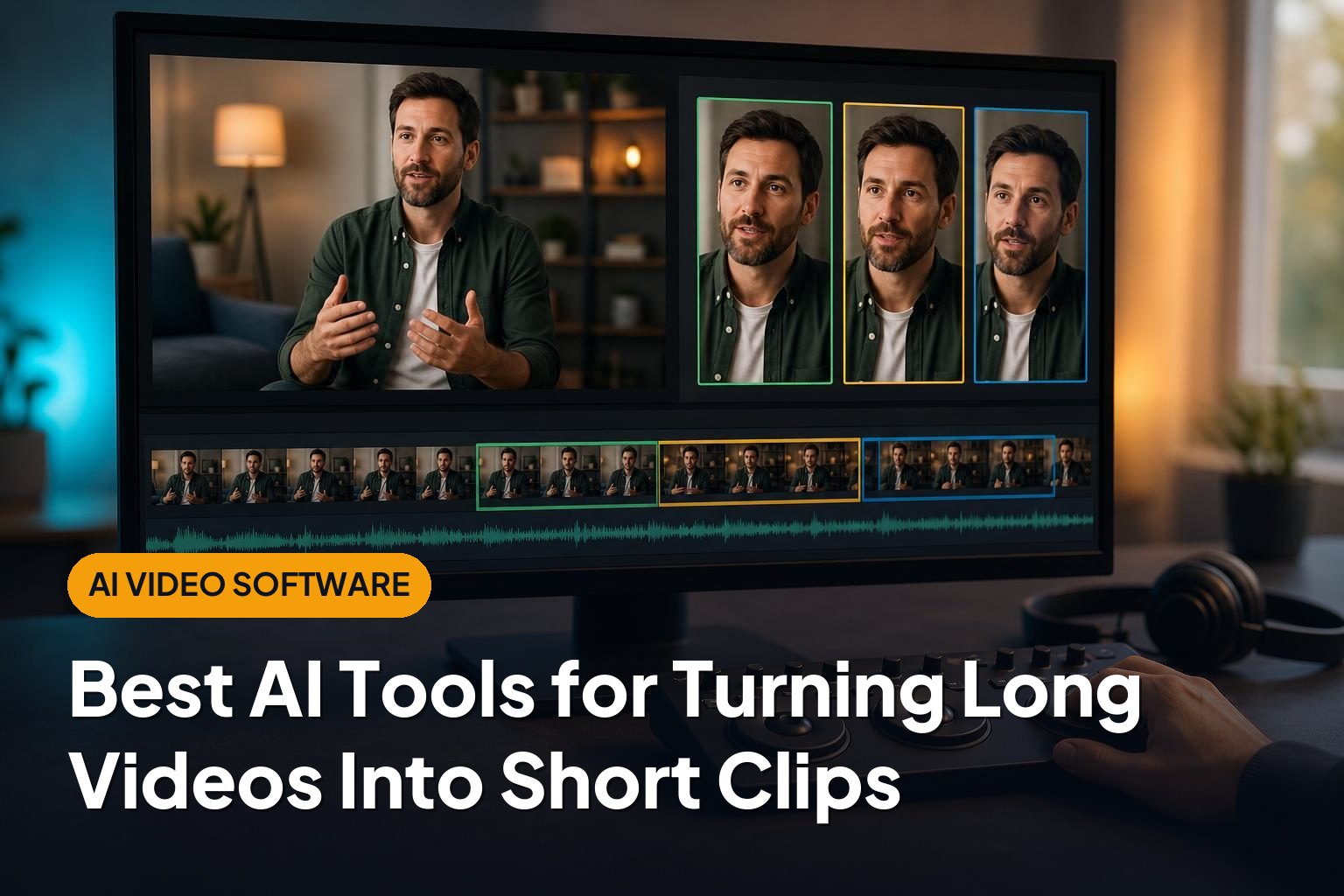
The best AI tools for turning long videos into short clips do more than trim footage. They help find promising moments, reframe speakers for vertical screens, and add readable captions. The right choice depends on whether you want fast, automated clips or more control over the final edit.
This article is part of our guide: AI Video Software: A Guide to Generators, Editors, and Avatar Tools
- OpusClip: Best for turning talking-head videos into social-ready clips quickly.
- Vizard: Best for repurposing webinars, interviews, and business content.
- Klap: Best for a straightforward long-video-to-short-video workflow.
- Munch: Best for marketing teams looking for topic-led clip suggestions.
- Descript: Best for creators who want detailed editing control alongside AI assistance.
- Riverside: Best for podcasters who want recording and AI clipping in one platform.
1. OpusClip: Best for Fast, Social-Ready Clips
OpusClip focuses on repurposing longer videos into shorter clips for social platforms. It is particularly well suited to interviews, podcasts, commentary, and educational videos where spoken ideas drive the content.
Its main attraction is automation. Rather than starting with an empty timeline, you get suggested clips that you can review and refine. Automatic reframing and captions help move those selections closer to a publishable format.
Strengths
- Quick first drafts: AI-generated selections reduce the amount of footage you need to review manually.
- Social-focused formatting: Reframing helps adapt landscape footage to vertical viewing.
- Clip prioritization: AI scoring can help organize which suggestions to inspect first.
Drawbacks
An AI score is not a reliable prediction of audience response. A clip can look promising in isolation while missing context, overstating a point, or failing to match your audience’s interests.
OpusClip is a strong starting point if your biggest bottleneck is finding usable moments in a large library of conversation-led videos. Review every opening and ending before publishing.
2. Vizard: Best for Webinars and Business Content
Vizard combines AI clip generation with browser-based editing. It is a practical option for teams turning webinars, panel discussions, interviews, and presentations into shorter pieces of content.
Its transcript-oriented workflow is useful when the most valuable part of a recording is a particular explanation or answer. Working from spoken text can make it easier to locate relevant passages than repeatedly scrubbing through a long timeline.
Strengths
- Business-friendly source material: A good fit for recordings built around speakers and clear discussion topics.
- Transcript-based navigation: Helps users find and refine spoken sections.
- Repurposing workflow: Combines clip suggestions, captions, and video formatting in one environment.
Drawbacks
Webinars often rely on slides, screen demonstrations, or earlier explanations. A tight vertical crop may hide information that viewers need, even when the selected dialogue makes sense.
Choose Vizard if you want to turn educational or professional recordings into a repeatable stream of short content. Check how it handles your typical slide layouts and multi-speaker scenes before committing.
3. Klap: Best for a Simple Clipping Workflow
Klap is built around a focused task: converting longer videos into short clips. It offers AI-selected moments, automatic reframing, and captions, making it appealing to creators who want fewer editing steps.
This focused approach suits people who already have finished long-form videos and simply want to extract shorter versions. You do not need an all-purpose production suite just to repurpose an interview or explanatory video.
Strengths
- Clear purpose: Designed around long-to-short video conversion rather than a broad production workflow.
- Automated preparation: Handles much of the initial selection, framing, and captioning work.
- Useful for dialogue: A natural match for videos with distinct spoken insights or answers.
Drawbacks
A streamlined clipping tool may not replace a full editor when you need intricate pacing, layered graphics, or extensive audio adjustments. Automatic framing also needs inspection when speakers move or important objects sit away from the center.
Klap is worth considering if simplicity matters more than advanced editing flexibility. Judge it by how much correction its clips need with your own footage.
4. Munch: Best for Marketing-Oriented Repurposing
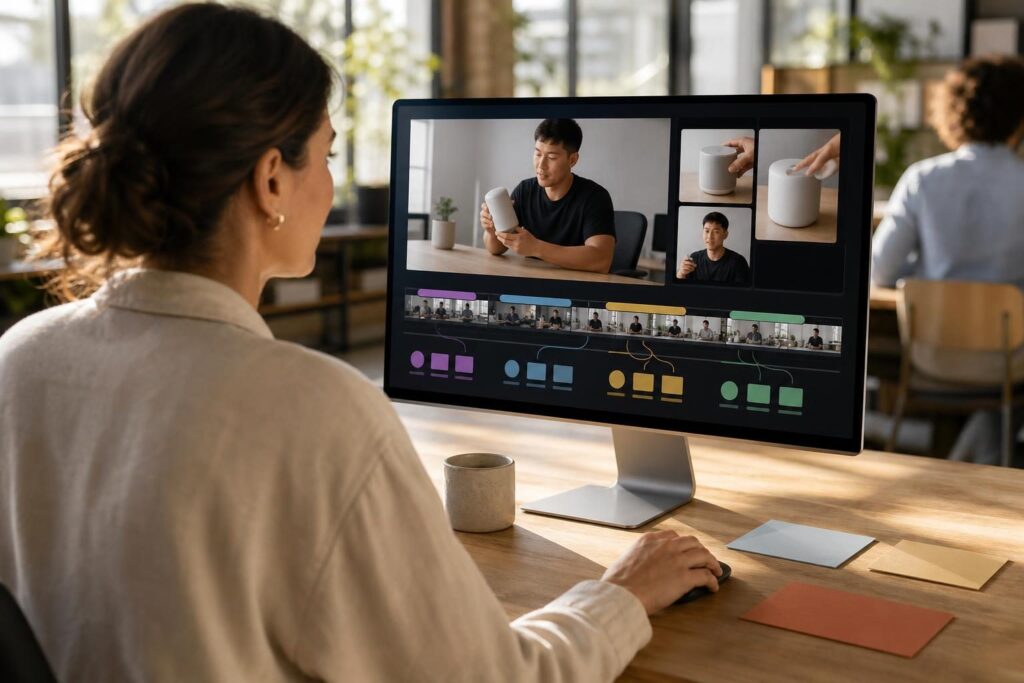
Munch approaches video repurposing with an emphasis on content analysis and marketing relevance. It helps identify potential clips from longer recordings, with attention to the topics and language within the source material.
That makes it relevant to marketers who need more than a collection of memorable quotes. A useful short clip should support a clear message, address an audience question, or connect with a broader content plan.
Strengths
- Topic-led discovery: Helps surface segments around ideas discussed in a recording.
- Marketing focus: Useful for planning how long-form material can support short-form distribution.
- Automated repurposing: Reduces the manual work involved in locating and preparing candidate clips.
Drawbacks
Topic relevance does not automatically make a clip compelling. The speaker still needs a strong opening, a clear point, and a satisfying ending. Trend-oriented suggestions may also be less useful for specialized or evergreen subjects.
Consider Munch when your main challenge is choosing which messages to extract from a recording. Keep final editorial decisions tied to your audience rather than automated recommendations alone.
5. Descript: Best for Editing Control
Descript is a broader audio and video editor with text-based editing and AI-assisted clip creation. Instead of treating clipping as a completely separate task, it lets you continue shaping the material within a fuller editing workflow.
That flexibility matters when a suggested highlight is almost right but needs tightening, a different introduction, or additional cleanup. Editing through a transcript can make speech-heavy material easier to manage.
Strengths
- Text-based editing: Useful for adjusting dialogue without relying entirely on a traditional timeline.
- Broader production tools: Supports work beyond extracting short clips.
- More editorial involvement: A good fit for creators who want to refine AI suggestions rather than accept them unchanged.
Drawbacks
The broader toolset introduces more decisions and a greater learning curve than a narrowly focused clipping service. It may be more software than you need if your only goal is generating a batch of simple vertical excerpts.
Choose Descript when precise wording, pacing, and audio quality matter as much as speed. It is especially appealing if you also edit the original long-form production.
6. Riverside: Best for Podcast Recording and Clipping Together
Riverside is a recording and editing platform with an AI clipping feature called Magic Clips. Its strongest appeal is workflow continuity: record a conversation, then create shorter promotional excerpts without immediately moving to a separate clipping service.
For interview shows and video podcasts, reducing those handoffs can simplify production. It also makes sense to evaluate clipping alongside the quality and practicality of the recording workflow itself.
Strengths
- Integrated workflow: Brings recording, editing, and short-clip creation into the same platform.
- Podcast suitability: Well matched to remote interviews and conversation-led shows.
- Convenient repurposing: Makes producing promotional excerpts a natural next step after recording.
Drawbacks
If you already record and edit elsewhere, the integrated workflow may offer less value than a dedicated clipping tool. Suggested clips still need checks for context, speaker framing, and caption accuracy.
Riverside is most compelling when you also need its recording capabilities, rather than choosing a platform solely for automated highlights.
Buying Guide: What to Look for in an AI Clipping Tool
Start With Your Actual Video Format
Most automated clipping workflows are easiest to evaluate with speech-led footage. Tutorials, gameplay, product demonstrations, and visually driven stories may require more manual judgment. Test a representative recording, not just your cleanest interview.
Measure Usable Clips, Not Generated Clips
A large batch of suggestions is only helpful if some are worth publishing. Compare how many clips have a clear opening, enough context, and a complete takeaway. Include correction time when judging value.
Check Framing and Captions
- Does the crop keep the active speaker visible?
- Are slides, demonstrations, and on-screen text still understandable?
- Can you correct names, technical terms, and caption timing easily?
- Can you adjust clip boundaries without unnecessary effort?
Review Limits and Data Handling
Before subscribing, check current upload allowances, processing limits, export resolution, watermark rules, and access to the features you need. Subscription details can change, so confirm them directly rather than assuming every feature is included.
For confidential interviews or internal recordings, also review storage, deletion, and data-use policies. Make sure you have permission to repurpose the original footage.
Conclusion
The best AI tools for turning long videos into short clips should reduce your editing workload without weakening your message. Start with the option that matches your content and workflow, then compare results on the same recording. The strongest choice is the one that produces accurate, engaging clips with the least corrective work.