Synthesia Review: Is It a Good Fit for Employee Training Videos?
This article contains affiliate links. If you buy through them, we may earn a commission at no extra cost to you.
Synthesia turns written scripts into videos presented by AI avatars, making it an appealing option for teams that need employee training without repeated filming sessions. This Synthesia review examines where it can save time, where its limitations matter, and whether it belongs in a workplace learning toolkit.
This article is part of our guide: AI Video Software: A Guide to Generators, Editors, and Avatar Tools
Overview
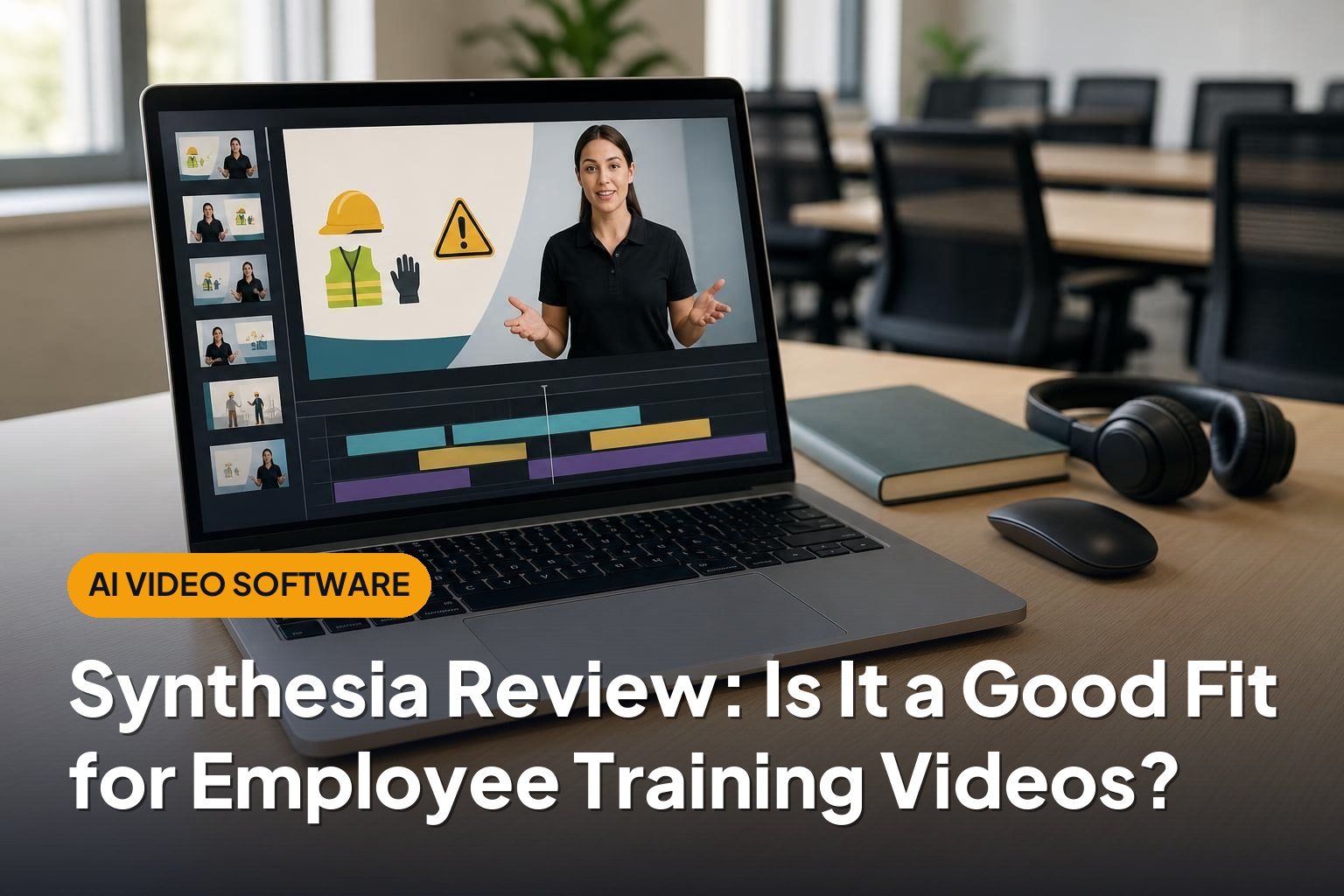
Synthesia is a browser-based AI video platform built around script-to-video production. Users choose an avatar, add a script, arrange scenes, and generate a video with synthetic speech and a digital presenter. Slides, text, images, and other visual elements can support the presentation.
For employee training, its main appeal is repeatability. A company can create a consistent format for onboarding, policy explanations, product education, or internal processes without organizing a shoot every time information changes.
That does not mean it replaces instructional design. Synthesia helps produce and revise videos, but the training still needs clear objectives, accurate content, useful examples, and an appropriate way to assess understanding.
The central buying question is not simply whether the avatars look convincing. It is whether presenter-led video is the right format for your training and whether the production savings outweigh the platform’s cost and limitations.
Who Synthesia Suits
Learning and development teams with recurring updates
Synthesia is a strong candidate for teams maintaining a library of short, structured training videos. Policy changes, revised procedures, and new product information are easier to accommodate when the presenter does not need to return for another recording.
The advantage is greatest when much of the visual structure can stay the same while individual lines or scenes change.
Organizations training employees across languages
The platform supports multilingual video creation and translation workflows. This can reduce the coordination involved in producing separate recordings for different audiences.
However, translation still needs review. Internal terminology, safety instructions, cultural references, and legal language can require human localization rather than a direct language conversion.
Subject-matter experts without video production skills
Templates and a scene-based editor can make video creation more approachable for HR staff, operations managers, and other specialists. They can focus on explaining a process rather than managing cameras, microphones, or complex editing software.
Where it is less suitable
Synthesia is less compelling when training depends on physical demonstration, emotionally nuanced conversations, or authentic footage of a workplace. Equipment handling, delicate management discussions, and practical safety procedures often benefit from real people and real environments.
A hybrid approach can work better: use AI-presented segments for explanations and actual footage or screen recordings for demonstrations.
Key Features for Employee Training
AI avatars and text-to-speech narration
Synthesia’s defining feature is its library of digital presenters paired with generated speech. This allows teams to create presenter-led content without recording a person for every lesson.
Delivery quality matters more than novelty. Before adopting it, evaluate a representative script containing company names, abbreviations, technical vocabulary, and the tone employees expect. A polished general introduction does not reveal how well a platform handles specialized training material.
Also consider whether a visible avatar adds value. A presenter may help introduce a topic, while a diagram or software demonstration may communicate the actual instruction more efficiently.
Templates and scene-based editing
The platform provides templates and tools for combining presenters with supporting visuals. This makes it practical to establish a repeatable structure across a training series.
Consistency can help employees navigate lessons, but templates should support the content rather than dictate it. Avoid turning dense policy documents into equally dense slides with an avatar reading them aloud.
Multilingual production
Synthesia supports creating content in multiple languages, which can simplify international training production. Teams can reuse a common lesson structure instead of rebuilding every language version from scratch.
The remaining work is important: checking translations, pronunciation, on-screen text, and region-specific instructions. A multilingual workflow reduces production effort; it does not remove the need for local expertise.
Custom avatars and voice options
Synthesia offers custom avatar capabilities and voice-related customization options, subject to the relevant offering and requirements. These can help organizations create a more recognizable presentation style.
Using an employee’s likeness or voice requires careful governance. Organizations should establish consent, permitted uses, approval responsibilities, and what happens if that employee changes roles or leaves.
Collaboration and review
Collaborative editing and review capabilities can help teams coordinate content production. These features are particularly useful when training requires input from learning designers, subject-matter experts, and compliance reviewers.
Check which collaboration tools and administrative controls are included in the subscription being considered. Also establish a clear approval process: easy editing is helpful, but uncontrolled changes can undermine training accuracy.
Export, sharing, and learning platform delivery
Synthesia supports video downloads and hosted sharing, with SCORM export available under applicable offerings. Confirm the current subscription requirements and compatibility with your learning management system before committing.
Video delivery and learning measurement are different things. Watching a video does not demonstrate competence. Depending on the training objective, you may still need quizzes, practical assessments, manager sign-off, or a separate authoring tool.
Update handling also deserves attention. Editing a project does not automatically replace every downloaded copy already uploaded elsewhere. Teams need a process for identifying and replacing outdated training assets.
Pros

- Reduces filming requirements: Presenter-led videos can be created without repeatedly scheduling speakers, locations, and recording equipment.
- Makes revisions more manageable: Script changes are generally easier to accommodate than reshooting a human presenter.
- Supports consistent presentation: Reusable layouts and presenters can help standardize a training library.
- Helps scale multilingual production: Language options reduce the need for separate presenter recordings, although review remains necessary.
- Lowers the production barrier: Non-specialists can build structured videos without learning a full professional editing workflow.
- Fits repeatable corporate content: Onboarding explanations, policy summaries, and process introductions align well with its format.
Cons
- Avatar delivery has limits: Synthetic presenters may feel less natural in emotionally sensitive or highly expressive situations.
- Video alone is not a complete course: Practice, assessment, branching scenarios, and competency tracking may require other tools.
- Localization still needs people: Translated narration can contain terminology or contextual issues that require specialist review.
- Training can become repetitive: Overusing the same presenter-and-slide format may reduce engagement.
- Subscription details affect value: Usage allowances, collaboration, custom assets, and delivery features should be checked against actual requirements.
- Governance remains essential: Confidential scripts, employee likenesses, and regulated information require appropriate organizational controls.
Alternatives Worth Considering
HeyGen
HeyGen is another established AI avatar video platform with translation capabilities. It is worth comparing if avatar appearance, voice delivery, and multilingual presentation are central to the decision.
Use the same training script in both platforms where evaluation access permits. Compare pronunciation, editing effort, visual fit, and the work needed to produce an approved final version.
Colossyan
Colossyan is an AI video platform with a workplace learning focus. It belongs on the shortlist for teams evaluating avatar-led training production.
Compare the specific learning workflows, collaboration options, language support, and export capabilities you need rather than assuming all AI video tools are interchangeable.
Articulate 360
Articulate 360 is more relevant when the primary requirement is building interactive courses rather than generating a digital presenter. Its authoring tools support structured learning experiences and assessments.
It can also complement Synthesia: an AI-generated video can become one component within a broader course that includes questions, activities, and navigation.
Camtasia
Camtasia is worth considering for software training that relies heavily on screen recording and editing. Showing the actual interface is often more useful than having a presenter describe it.
For procedural tutorials, a clear demonstration with narration may be a better investment than avatar-led production.
Verdict
Synthesia is a good fit for employee training teams that need consistent, frequently updated, presenter-led videos—especially across multiple languages. Its strongest benefit is a more repeatable production workflow, not the automatic creation of effective learning.
Before buying, build a representative pilot and evaluate accuracy, learner response, revision effort, accessibility, and LMS delivery. If your needs center on demonstrations, sensitive conversations, or interactive practice, use Synthesia selectively or choose a tool better suited to those tasks.