Synthesia Review: AI Avatars, Video Creation, and Plan Limitations
This article contains affiliate links. If you buy through them, we may earn a commission at no extra cost to you.
Synthesia turns written scripts into presenter-led videos using AI avatars and synthetic voices. Its strongest use cases are practical rather than cinematic: employee training, product explainers, onboarding, and other videos that need a clear message without a traditional recording session. This Synthesia review looks at its main features, where it fits best, and the plan limitations worth checking before subscribing.
This article is part of our guide: AI Video Software: A Guide to Generators, Avatars, and Editing Tools
Overview
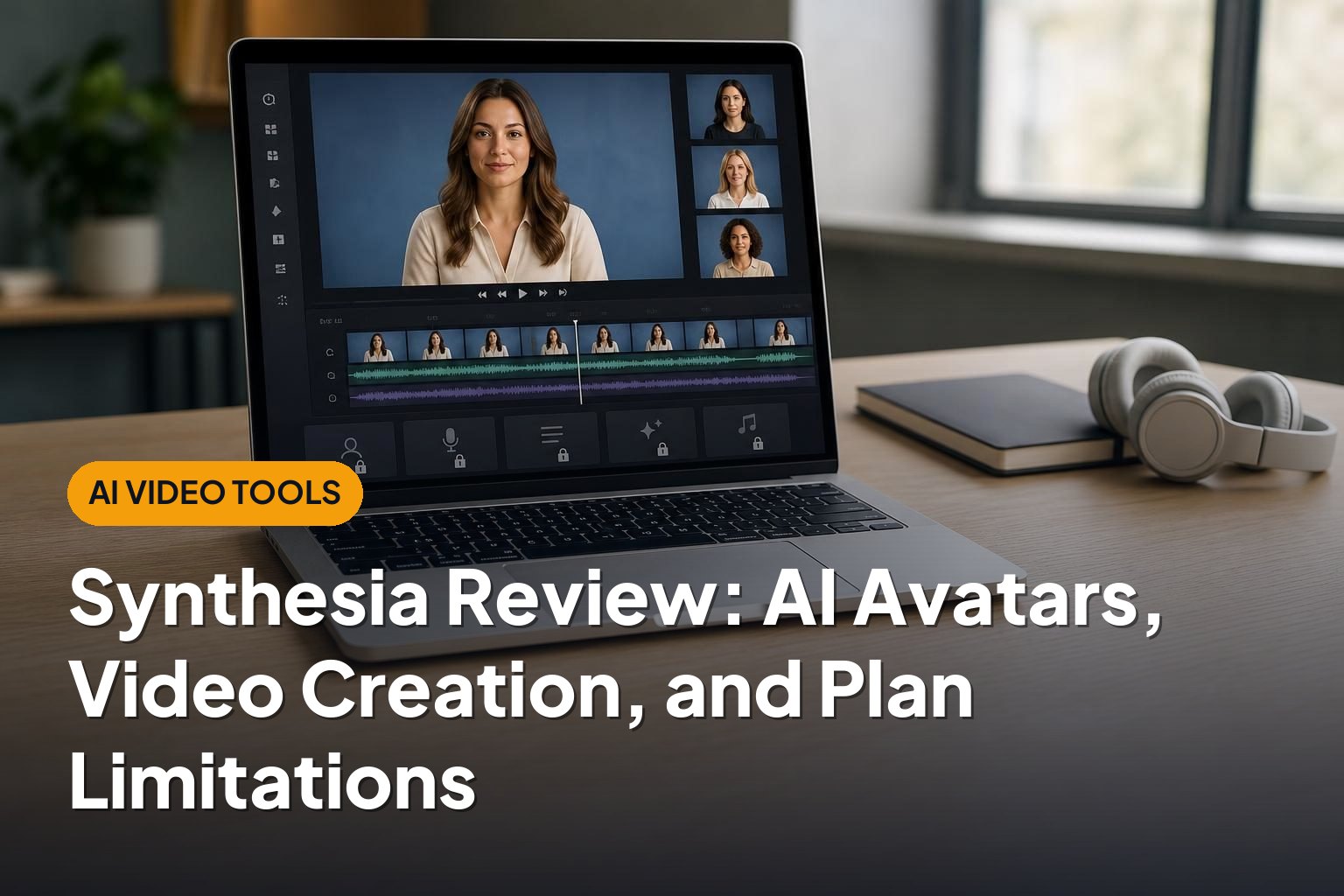
Synthesia is an AI video creation platform built around digital presenters. Instead of filming someone reading a script, you choose an avatar, enter your text, select a voice, and arrange your content into scenes.
You can combine the presenter with text, images, backgrounds, and other visual elements. The result is closer to a polished presentation or instructional video than a film generated from a creative prompt.
That distinction matters. Synthesia is primarily a structured communication tool, not a general-purpose cinematic video generator. Its appeal is the ability to produce consistent presenter-led content and update it without organizing another shoot.
Plan details, usage allowances, and feature access can change. Treat the capability descriptions below as a guide to evaluating the platform, and confirm the current subscription terms before making a purchase.
Who Synthesia Suits
Training and internal communications teams
Synthesia is a strong candidate for organizations producing repeatable learning content. A consistent presenter and reusable scene layout can help standardize onboarding, process walkthroughs, and policy explanations.
It is particularly useful when information changes regularly. Editing a script and regenerating a scene can be more practical than bringing a presenter back to record a replacement segment.
Businesses creating multilingual content
Teams communicating across languages may benefit from Synthesia’s multilingual voice and translation capabilities. A shared visual structure can support multiple language versions without requiring a separate filming process for each one.
However, localization still needs human review. Translated scripts, industry terminology, pronunciation, and on-screen text should all be checked by someone familiar with the target language.
Small teams without recording resources
A business that lacks a studio, camera equipment, or a willing on-camera presenter may find Synthesia useful. It reduces the production work involved in creating a straightforward talking-presenter video.
It is less suitable for creators whose appeal depends on spontaneous delivery, expressive performances, or a close personal connection with the audience. An AI presenter can communicate information clearly without necessarily conveying the authenticity of a real person.
Key Features
AI avatars
Avatars are the platform’s defining feature. Synthesia provides digital presenters that deliver your script, giving a video a human-facing element without requiring you to appear on camera.
The platform also offers personal or custom avatar options, subject to the relevant eligibility, recording, consent, and subscription requirements. These can help an organization create a more recognizable presentation style than a shared stock avatar provides.
The main limitation is performance flexibility. Facial expression, gestures, timing, and emotional delivery may not match the nuance of a skilled human presenter. A professional appearance should not be confused with a fully natural performance.
Text-to-speech and voice options
Synthesia converts scripts into spoken narration and offers voices across multiple languages. This makes it possible to create presenter-led videos without recording a voiceover separately.
Voice cloning is also part of Synthesia’s offering, although access and requirements should be checked for the intended plan and workflow. Permission is essential whenever a recognizable person’s voice or likeness is involved.
Good results still depend on script preparation. Short sentences, clear punctuation, and phonetic adjustments for difficult terms can improve delivery. Product names, acronyms, and specialist vocabulary deserve particular attention.
Scene-based video editing
The editor organizes videos into scenes, allowing you to place an avatar alongside supporting visuals. Templates can provide a starting point for training lessons, explainers, and business presentations.
This structured approach is easier to manage than a complex professional editing timeline for many business tasks. The trade-off is less granular creative control than a dedicated video editor offers.
Useful visuals remain important. A talking avatar does not replace a clear diagram, a product demonstration, or a carefully designed instructional sequence.
Script assistance and translation
Synthesia includes AI-assisted tools that can help with drafting and adapting video content. These can reduce the effort required to turn an outline or existing material into an initial script.
They do not remove the need for editorial oversight. Check facts, remove unnecessary wording, and ensure that instructions match the process being demonstrated. For regulated or safety-sensitive content, subject-matter approval is especially important.
Branding and collaboration
Branding and team features can make Synthesia more useful for organizations producing videos at scale. Consistent colors, layouts, and shared resources help prevent every department from creating a different visual style.
Collaboration, administrative controls, and enterprise security capabilities are areas where subscription differences matter. Do not assume that an individual plan includes the review workflows or account management features a larger organization needs.
Plan Limitations to Check Before Subscribing

The most important part of evaluating Synthesia is matching the subscription to your actual production workload. A plan can look adequate for a few short videos but become restrictive once revisions, translations, and multiple contributors enter the process.
| Area | What to verify | Why it matters |
|---|---|---|
| Video generation allowance | How usage is measured, when it resets, and what happens when you reach the limit. | Your total output may include several versions of the same lesson. |
| Revisions | Which edits or regeneration actions consume your allowance. | Production rarely ends with the first draft. |
| Avatar access | Which stock, personal, and custom avatar options are included. | The presenter you want may require a different subscription or arrangement. |
| Downloads and branding | Export availability, resolution, and any branding restrictions. | A preview or limited account may not meet distribution requirements. |
| Team access | Included seats, shared workspaces, and review permissions. | Individual access is not equivalent to a team production workflow. |
| Localization | Translation access and how additional language versions affect usage. | A multilingual project can require considerably more output. |
Also review content policies and the terms governing avatars, voice cloning, and distribution. Subscription access does not mean every proposed use of a digital likeness is permitted.
Pros
- Removes the need for a conventional presenter shoot: Useful when recording equipment, studio time, or on-camera staff are unavailable.
- Well suited to repeatable business content: Scene-based creation fits onboarding, training, and explanatory videos.
- Makes updates more manageable: Script changes can be handled without arranging another filming session.
- Supports multilingual production: Teams can adapt a common video structure for different audiences.
- Encourages visual consistency: Templates and branding tools can help standardize recurring content.
- Combines several production tasks: Presenter generation, narration, and scene assembly happen within one platform.
Cons
- Avatar delivery can feel artificial: Emotional nuance and natural spontaneity remain important limitations.
- Usage allowances need careful planning: Longer videos, revisions, and language variants can increase production requirements.
- Important capabilities may be plan-dependent: Avatar options, collaboration, branding, and administrative features are not necessarily included at every level.
- Human review remains necessary: Scripts, translations, pronunciation, and factual claims all need checking.
- It is not a replacement for a full video production toolkit: Complex editing, original footage, and cinematic storytelling may require other software.
- Generic presentation is a risk: Stock avatars and templates can make unrelated organizations’ videos look similar.
Alternatives Worth Considering
HeyGen
HeyGen is a relevant comparison for avatar-led videos, personalized presenters, and video translation. Consider it if those capabilities are central to your workflow. Compare the same short script across platforms rather than judging only promotional examples.
Colossyan
Colossyan is another AI presenter platform with a business learning focus. It is worth assessing for workplace training and instructional content, particularly if your decision depends on learning-oriented workflows rather than avatar appearance alone.
Runway
Runway serves a different need: generative visual content and creative video tools. It is more relevant if you want imaginative scenes or supporting visuals rather than a digital presenter delivering a structured lesson. It may complement Synthesia rather than replace it.
Screen recording and conventional editing tools
For software tutorials, a screen recording with clear narration may explain the task better than an avatar. A conventional video editor also gives greater control when you need real footage, detailed timing adjustments, or a more distinctive visual style.
Verdict
Synthesia is a compelling option for teams that need consistent, presenter-led business videos without repeatedly filming a human speaker. Its clearest strengths are structured production, reusable layouts, and support for multilingual communication.
The main cautions are avatar realism, subscription limits, and the editorial work that remains after generation. Choose it for a repeatable communication workflow, not simply for the novelty of an AI presenter. Before committing, evaluate a representative script and confirm that the plan covers your expected output, revisions, language versions, and team requirements.