Pickleball Tutor Plus Review: Features, Portability, and Practice Options
This article contains affiliate links. If you buy through them, we may earn a commission at no extra cost to you.
A ball machine can make solo practice more productive, but only if its controls, portability, and shot options fit your routine. This Pickleball Tutor Plus review looks at its documented features and practical training applications, rather than hands-on testing, to help you decide whether it belongs in your practice plan.
This article is part of our guide: How to Practice Pickleball: A Guide to Drills, Skills, and Training Equipment
Overview
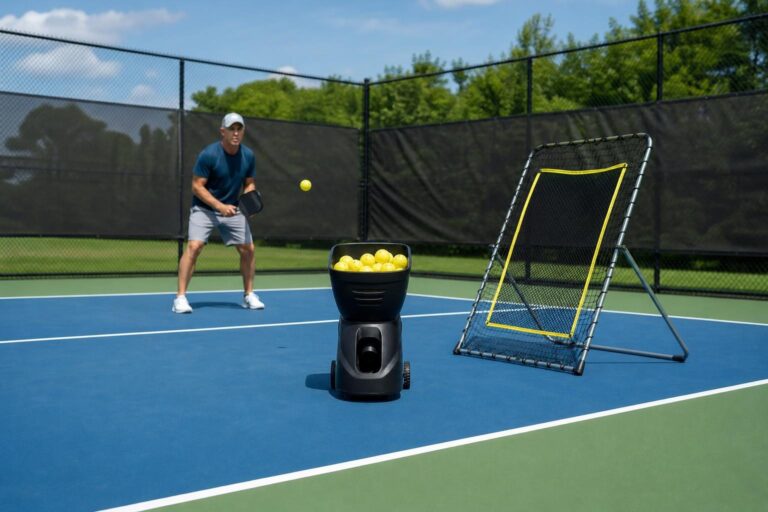
The Pickleball Tutor Plus, made by Sports Tutor, is a portable pickleball machine built around adjustable ball delivery, topspin and backspin, and oscillation. Its main appeal is the ability to repeat a shot while changing the factors that make that shot difficult: pace, spin, height, and placement.
Published specifications list a 110-ball capacity and a maximum ball speed of 65 mph. Those numbers provide useful context, but neither should be the main reason to buy it. For most players, controlled feeds at realistic rally speeds will be more valuable than running the machine at maximum pace.
The Plus sits between simpler practice machines and more elaborate programmable systems. It offers useful control over individual feeds without necessarily delivering the custom shot sequences found on higher-end machines. Power options, accessories, and control packages deserve careful checking because listings and configurations can differ.
Who It Suits
The Tutor Plus is especially appealing to players who already understand basic stroke mechanics and want more purposeful repetition. It can also help newer players, provided they start with manageable settings and avoid turning practice into a race against the feeder.
- Improving recreational players: Repeat groundstrokes, returns, volleys, and approach shots without depending on a practice partner.
- Intermediate players: Work on handling spin, controlling depth, and maintaining technique while moving.
- Coaches: Supply repeatable feeds while observing a student’s preparation, contact point, and recovery.
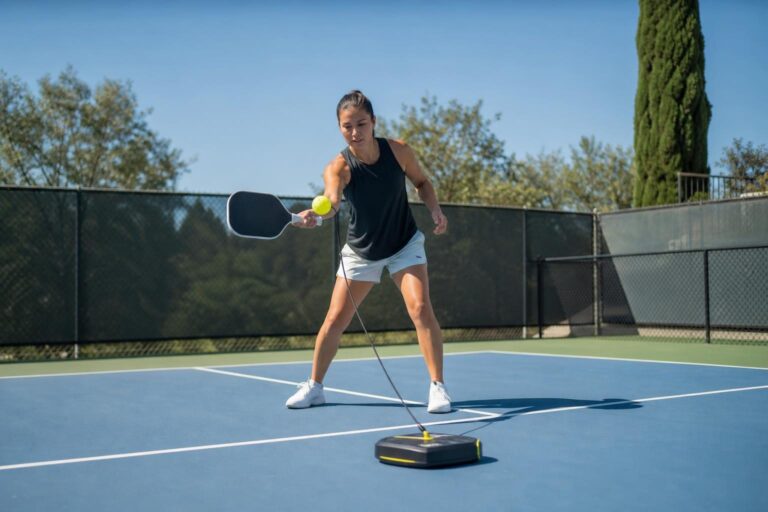
- Players with inconsistent practice access: Build a reliable solo routine when partners are unavailable.
It is less compelling for someone who mainly wants occasional exercise or social play. It may also disappoint advanced players who expect detailed programming of multiple shot locations, speeds, and spins within one sequence.
Key Features
Adjustable Topspin and Backspin
Spin control is one of the main reasons to consider the Plus rather than a basic feeder. Topspin and backspin create different bounce behavior, encouraging you to adjust paddle angle, spacing, and swing path.
That makes the machine useful for more than simply hitting comfortable balls down the middle. You can practice lifting a lower, skidding ball or managing a topspin feed that rises after the bounce.
A repeatable machine feed is still not identical to a human opponent’s shot. Use it to develop responses, then test those responses against live opponents with different techniques.
Speed, Feed Interval, and Trajectory Adjustments
Adjustable speed and delivery timing let you separate technical practice from faster movement work. A slower feed interval gives you time to finish a stroke, recover, and prepare properly for the next ball.
Trajectory adjustment also broadens your options. Depending on the setup, you can work with lower feeds or higher balls rather than practicing at one fixed contact height.
These settings interact. Changing speed, spin, or elevation can alter where the ball lands, so expect to make a few test feeds before starting a drill. A useful setup is one that produces the intended bounce consistently, not one that simply uses impressive control settings.
Oscillation for Movement Practice
Oscillation adds side-to-side placement variation. Instead of waiting in one spot, you must move into position, establish balance, hit, and recover.
This is useful for connecting footwork with stroke production. However, random oscillation is not the same as programming a specific sequence of shots. If you want alternating forehand-backhand feeds, remote operation, or another particular control feature, confirm what is included in the exact configuration you are considering.
Ball Capacity and Session Flow
The listed 110-ball capacity supports a substantial block of repetition before collection becomes necessary. In practice, you do not need to fill the hopper for every drill.
Smaller batches can improve training quality. Hit a short set, assess your results, and make an adjustment before continuing. Keep the balls reasonably consistent in type and condition, since mixed or worn balls can make feed behavior less predictable.
Portability and Power
The Tutor Plus is designed to be transported, with wheels and a towing handle helping on suitable surfaces. However, rolling a machine to the court and lifting it into a vehicle are different tasks.
Before buying, consider the entire journey: storage, doorways, stairs, parking, court gates, and the vehicle loading height. You will also need to carry balls, a paddle, and possibly a collection tool.
Check the weight and dimensions of the specific power version being sold. For a battery-powered setup, confirm the stated runtime, charging instructions, and battery replacement arrangements. For an AC-powered setup, verify that your intended court has permitted, practical access to electricity.
Practice Options
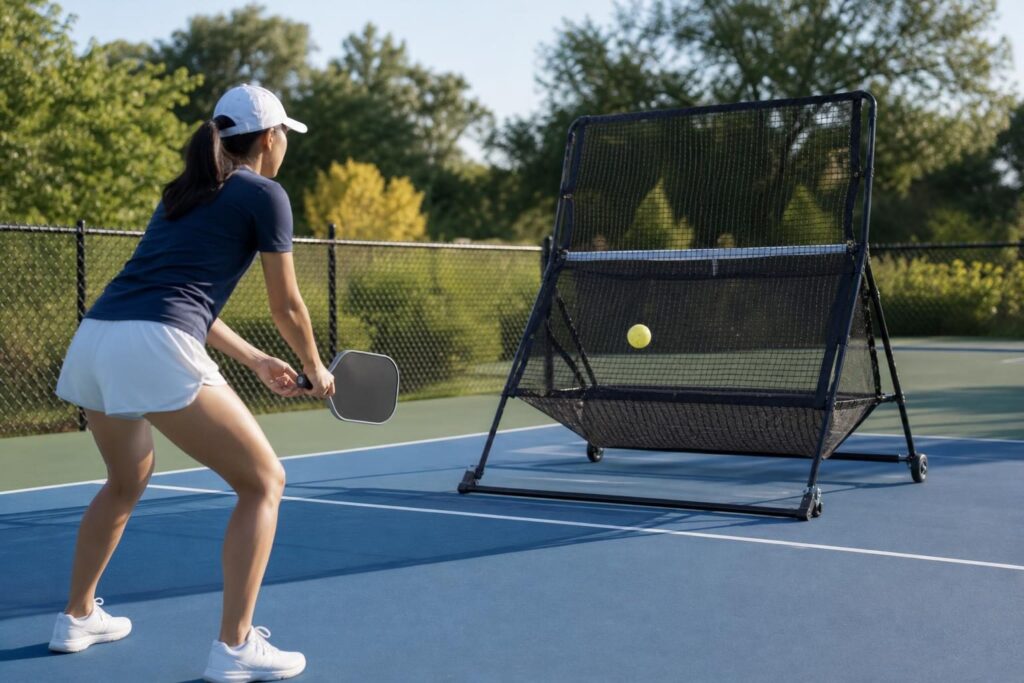
Build a Reliable Return
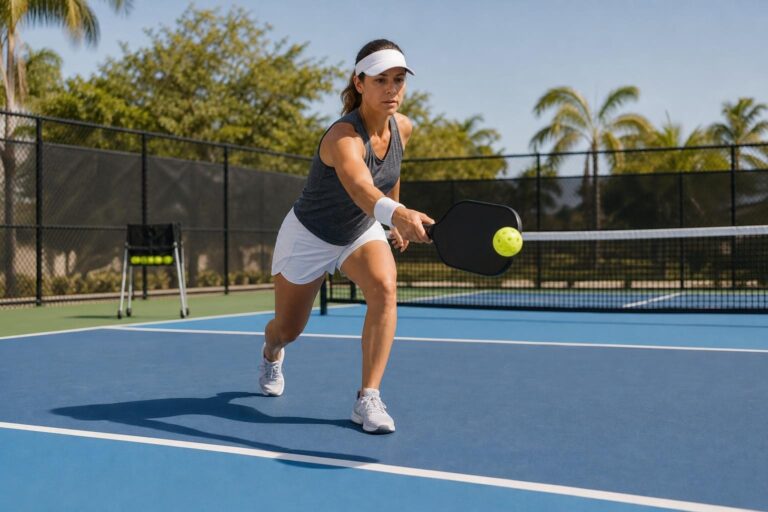
Start with a predictable feed toward one side of the baseline. Aim your return into a generous deep target, then recover as you would during a point.
Once contact and depth become consistent, change the spin or placement. Avoid increasing every difficulty setting at once; otherwise, it becomes hard to identify why errors are happening.
Develop Third-Shot Drops
Position yourself near the baseline and adjust the machine to provide a manageable incoming ball. Practice sending your response into the opposite kitchen with enough height and control to create a realistic drop.
The machine provides repetition, but not feedback from a live opponent. Judge the ball’s trajectory and bounce rather than counting every kitchen landing as a successful, unattackable drop.
Practice Volleys and Resets
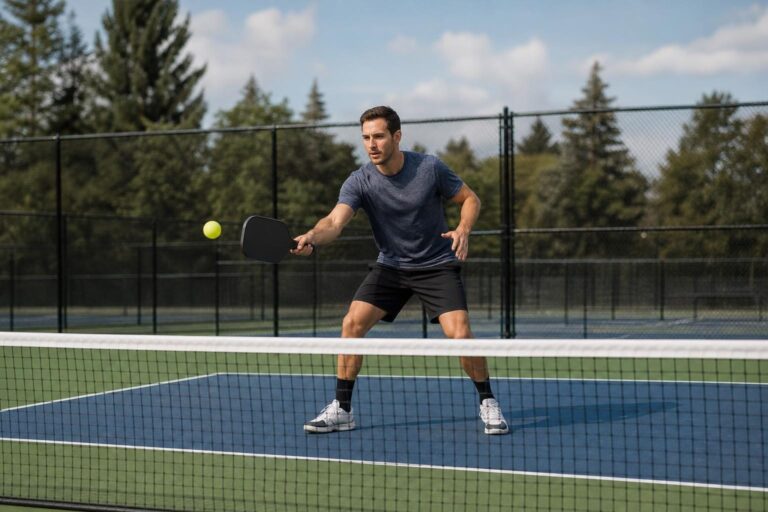
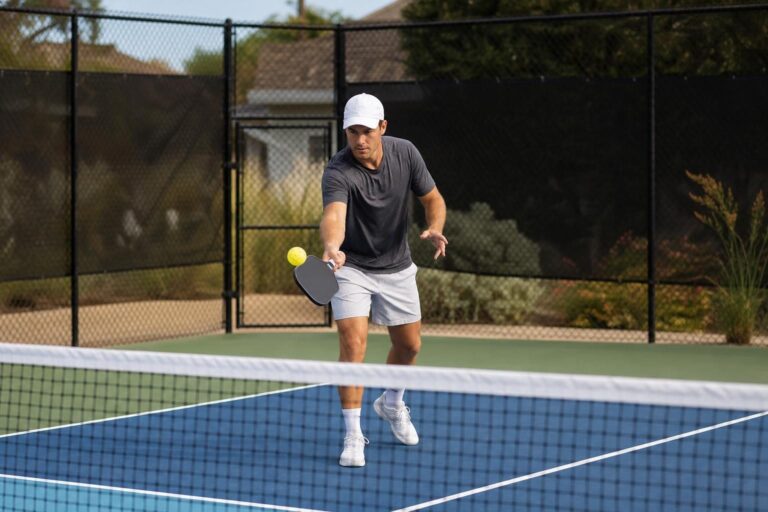
Use controlled feeds to work on compact volleys or softer defensive responses. Start conservatively, particularly when standing closer to the machine, where reaction time is shorter.
For resets, focus on absorbing pace and controlling paddle angle. A manageable feed that lets you execute good technique is more useful than a fast feed that repeatedly forces desperate contact.
Add Movement Without Losing Balance
Introduce oscillation after you can handle a stationary feed reliably. Your goal should be balanced contact and purposeful recovery, not simply touching every ball.
Stop the set when fatigue noticeably changes your mechanics. More repetitions are not automatically better repetitions.
Pros
- Useful spin control: Topspin and backspin expand the range of responses you can practice.
- Repeatable delivery: Consistent feeds make it easier to isolate technical problems.
- Adjustable practice difficulty: Speed, timing, trajectory, and oscillation support different training goals.
- Substantial ball capacity: The hopper allows sustained practice between collection breaks.
- Independent scheduling: You can complete a structured session without finding a partner.
- Transport-friendly design: Wheels and a handle help with movement over appropriate surfaces.
Cons
- Transport still requires effort: Vehicle loading, stairs, and rough approaches can limit convenience.
- Setup takes experimentation: Changes to spin, speed, and trajectory affect landing position.
- Controls need careful comparison: Do not assume remote operation or advanced oscillation features are standard.
- Limited tactical realism: A machine cannot replicate an opponent’s movement, deception, or shot selection.
- Solo practice includes collection time: Ball retrieval and resetting drills interrupt the session.
- Ownership goes beyond the machine: Balls, accessories, maintenance, and eventual battery replacement may add expense.
Alternatives Worth Considering
The Original Pickleball Tutor
The original Pickleball Tutor is worth comparing if you primarily want straightforward repetition and do not need the Plus model’s topspin and backspin capability. Compare current specifications and power options rather than assuming every Tutor configuration has the same equipment.
The Lobster Pickleball Machine
Lobster’s pickleball machine is another established option to compare. Look beyond headline speed and capacity: loading weight, controls, transport design, available accessories, and service support may matter more in everyday use.
A More Programmable Machine
If your priority is building precise multi-shot patterns, consider a machine that explicitly supports programmable sequences. Verify whether it can vary placement, speed, and spin within a drill; basic oscillation alone does not provide that functionality.
Coaching and Partner Drills
Lessons or structured partner sessions may be the better investment if you are unsure what needs fixing. A machine supplies repetitions, while a coach can help determine which repetitions will actually improve your game. The two approaches often complement each other.
Verdict
The Pickleball Tutor Plus is a strong candidate for players who want repeatable solo practice with adjustable spin and movement demands. Its value comes from the quality of the drills you build, not its maximum speed or how quickly you empty the hopper.
Before purchasing, confirm the exact power version, transport requirements, included controls, and warranty terms. If those fit your circumstances—and you will use it consistently—the Tutor Plus can be a useful training tool alongside live play and feedback.